A second Android, inside your phone.
KM Space runs a complete Android 13 as an ordinary app. It has its own home screen, its own apps and its own Google account, and it goes on your car's screen over wireless CarPlay. No root.
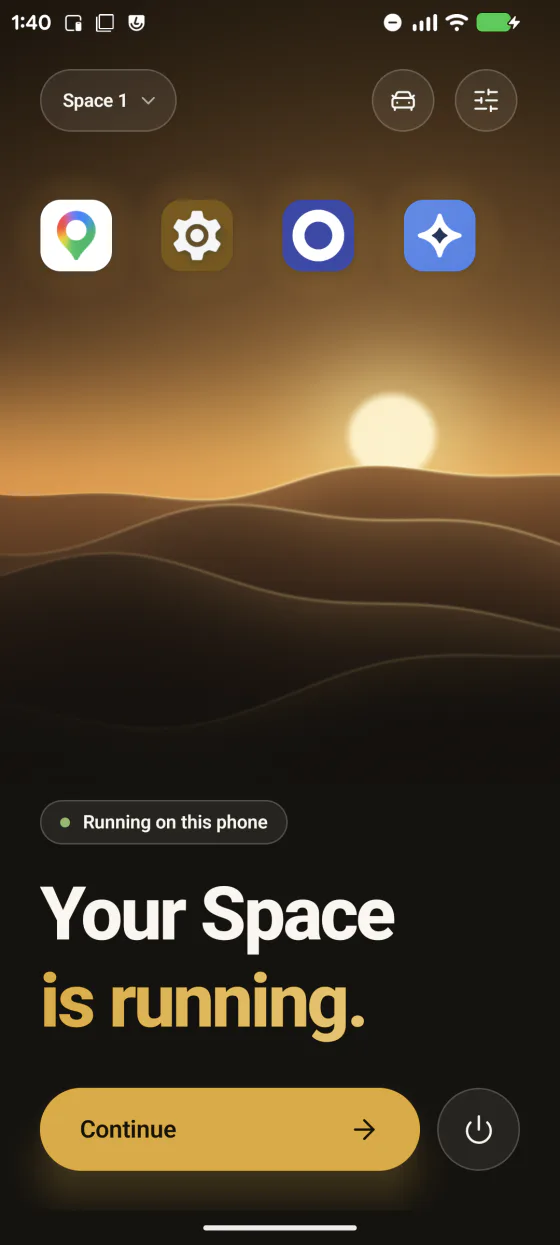
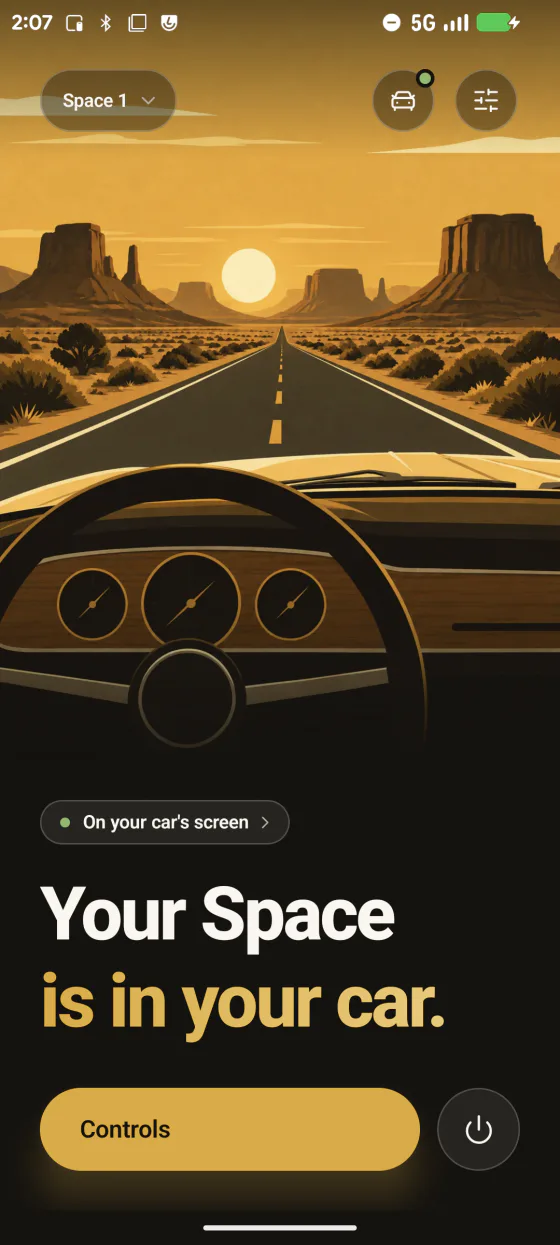
A whole phone, in an app
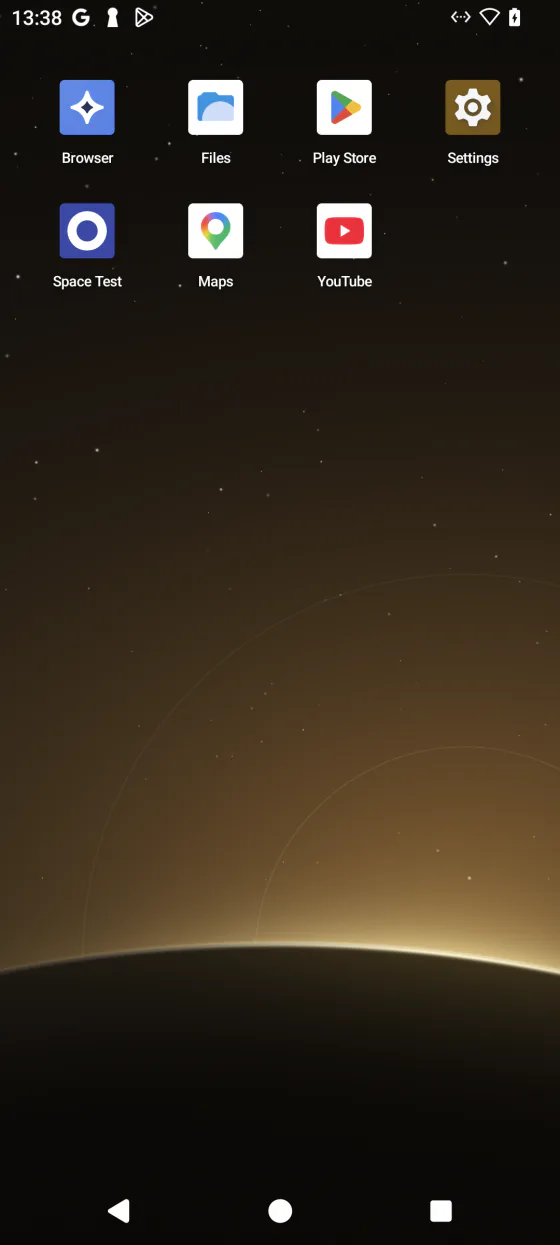
A complete Android 13
Not a copy of one app: a whole system with its own home screen, settings and storage.
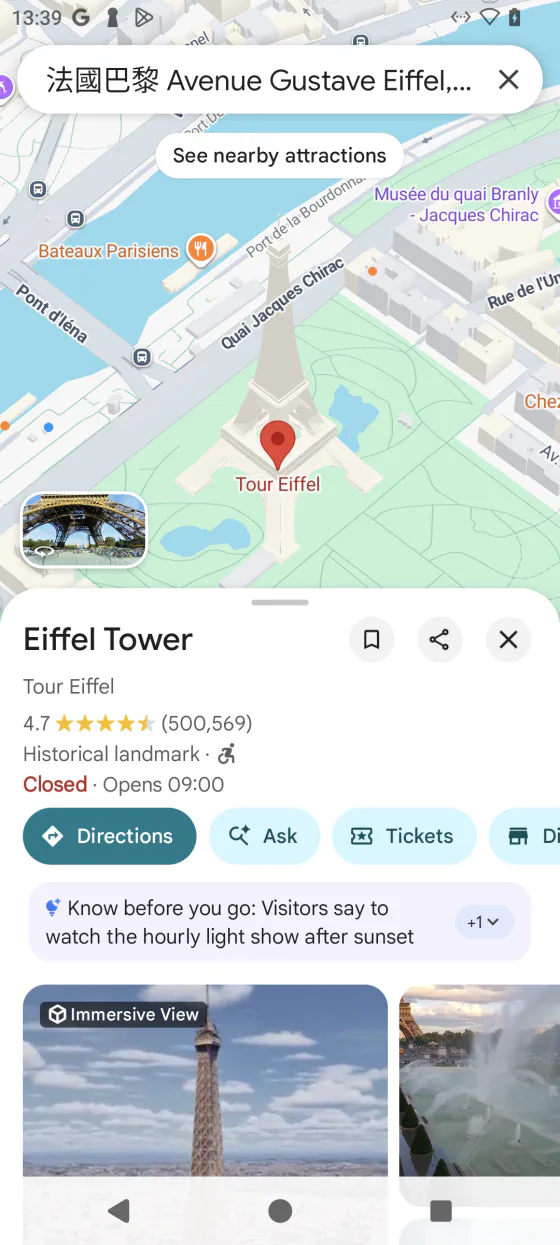
Google Play inside
Sign in to a Google account in your Space and install apps from Google Play, as you would on a new phone.
Works with your phone
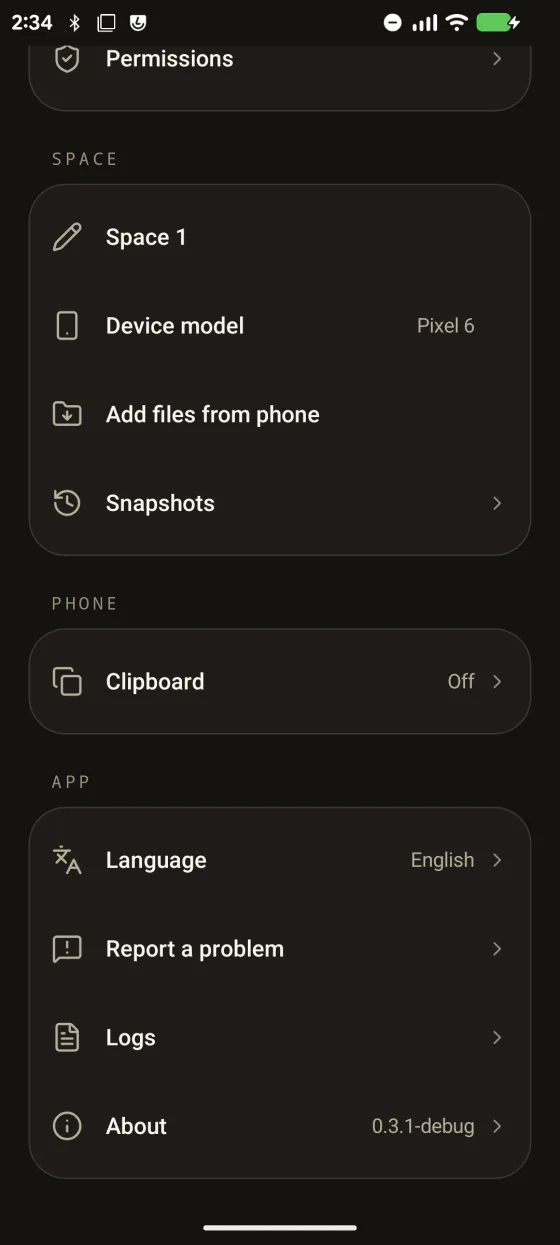
Copy and paste, notifications, the microphone and location reach your Space when you turn them on. Each has its own switch.
Keeps running
Your Space keeps running in the background while you use other apps, until you end it.
More than one Space
Create several Spaces, each with its own apps and accounts. One runs at a time.
Quick to start
After the first setup, your Space starts in seconds.
Your Space, on the car screen
KM Space projects the running Space to your car over wireless CarPlay.
Wireless CarPlay
Connects to cars that support wireless CarPlay. No cable, and nothing to install on the car.
Touch on the car screen
Use the apps in your Space from the car's touchscreen.
Voice and navigation audio
The car's microphone reaches your Space, and navigation prompts play through the car.
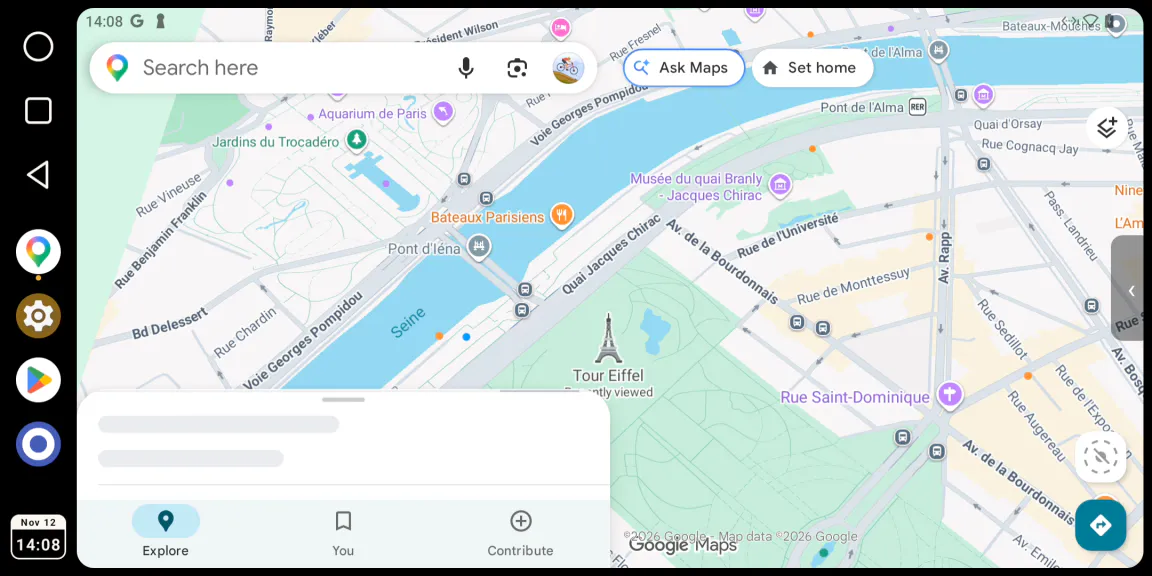
Tested so far on a CarPlay bench receiver, not yet in a production car.
More than Android
Android 13 is the first system a Space can run. Linux is planned next: a system you choose when you create a Space, next to your Android ones. It is not part of the first release.
Free for 30 days
No payment details for the first 30 days, and the car is included. After that, subscribe through Google Play and cancel any time.
Space
- Your Spaces on the phone
- Google Play inside
- Phone features you turn on
Space + Car
- Everything in Space
- Wireless CarPlay projection
Prices in USD; Google Play converts them to your currency · one account is in use on one phone at a time · your Space stays on the phone when a plan ends
What you need
- A 64-bit ARM phone with Android 12L or newer
- At least 4 GB of memory
- About 2.2 GB of free storage
- A Google account to sign in
- For the car: wireless CarPlay
KM Space is in final testing and is not on Google Play yet. Phones whose kernel uses 16 KB memory pages are not supported. Some apps choose not to run inside an on-device Android system, and those will not install in a Space.
Common questions
Does KM Space need root?
No. KM Space is an ordinary app. You install it, create a Space and start it; the phone itself is not rooted or modified.
What is a Space?
A complete Android 13 that runs inside the KM Space app, with its own home screen, settings, storage and apps. You sign in to a Google account in it and install apps from Google Play, as you would on a new phone. You can create several Spaces; one runs at a time.
Which phones can run KM Space?
A 64-bit ARM phone with Android 12L or newer, at least 4 GB of memory and about 2.2 GB of free storage. Phones whose kernel uses 16 KB memory pages are not supported.
Does every app work inside a Space?
A Space installs apps from Google Play the way a phone does. Some apps choose not to run inside an on-device Android system, and those will not install in a Space.
Can apps in a Space reach what is on my phone?
A Space has its own storage, apps and accounts. Copy and paste, notifications, the microphone and location reach a Space when you turn them on, and each has its own switch.
How does KM Space get onto the car screen?
Over wireless CarPlay. KM Space connects to a car that supports wireless CarPlay and shows the running Space there, and you use it from the car's touchscreen. No cable, and nothing to install on the car. So far this is tested on a CarPlay bench receiver, not yet in a production car.
What does KM Space cost?
The first 30 days are free, with no payment details, and the car is included. After that it is a Google Play subscription: Space is $0.99 a month or $9.99 a year, and Space + Car is $1.99 a month or $19.99 a year. Prices are in USD; Google Play converts them to your currency. Your Space stays on the phone when a plan ends.
How is KM Space different from KoalaMirror?
KoalaMirror puts your phone's own Android desktop on an Android Auto head unit, and it needs root. KM Space needs no root: it runs a second, separate Android inside an app and takes that to the car over wireless CarPlay. They are separate apps, and each works on its own.
Can a Space run anything other than Android?
Not in the first release. Android 13 is the first system a Space can run. Linux is planned next, as a system you choose when you create a Space.
Coming soon to Google Play
KoalaMirror and KM Launcher are ready today.